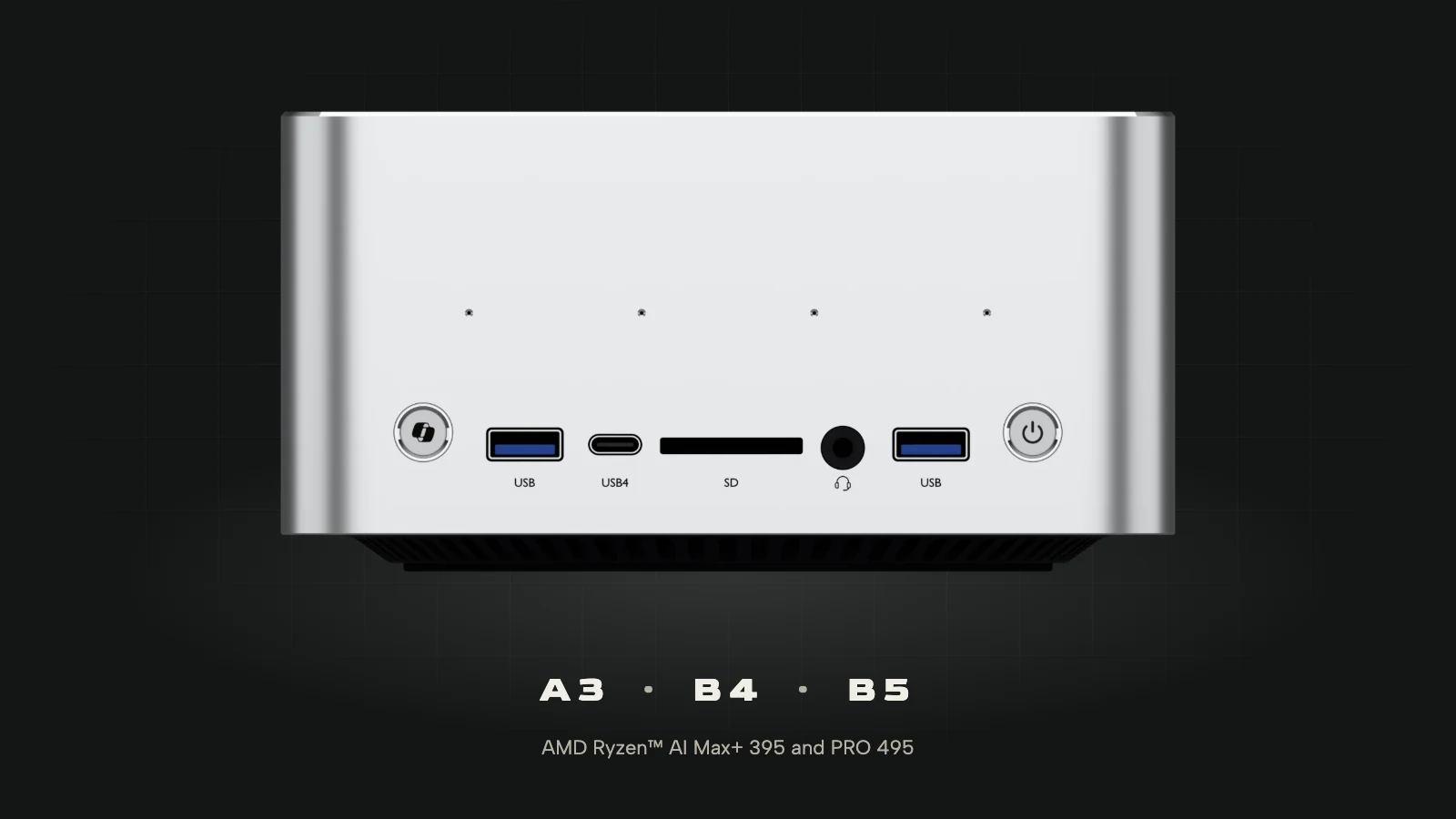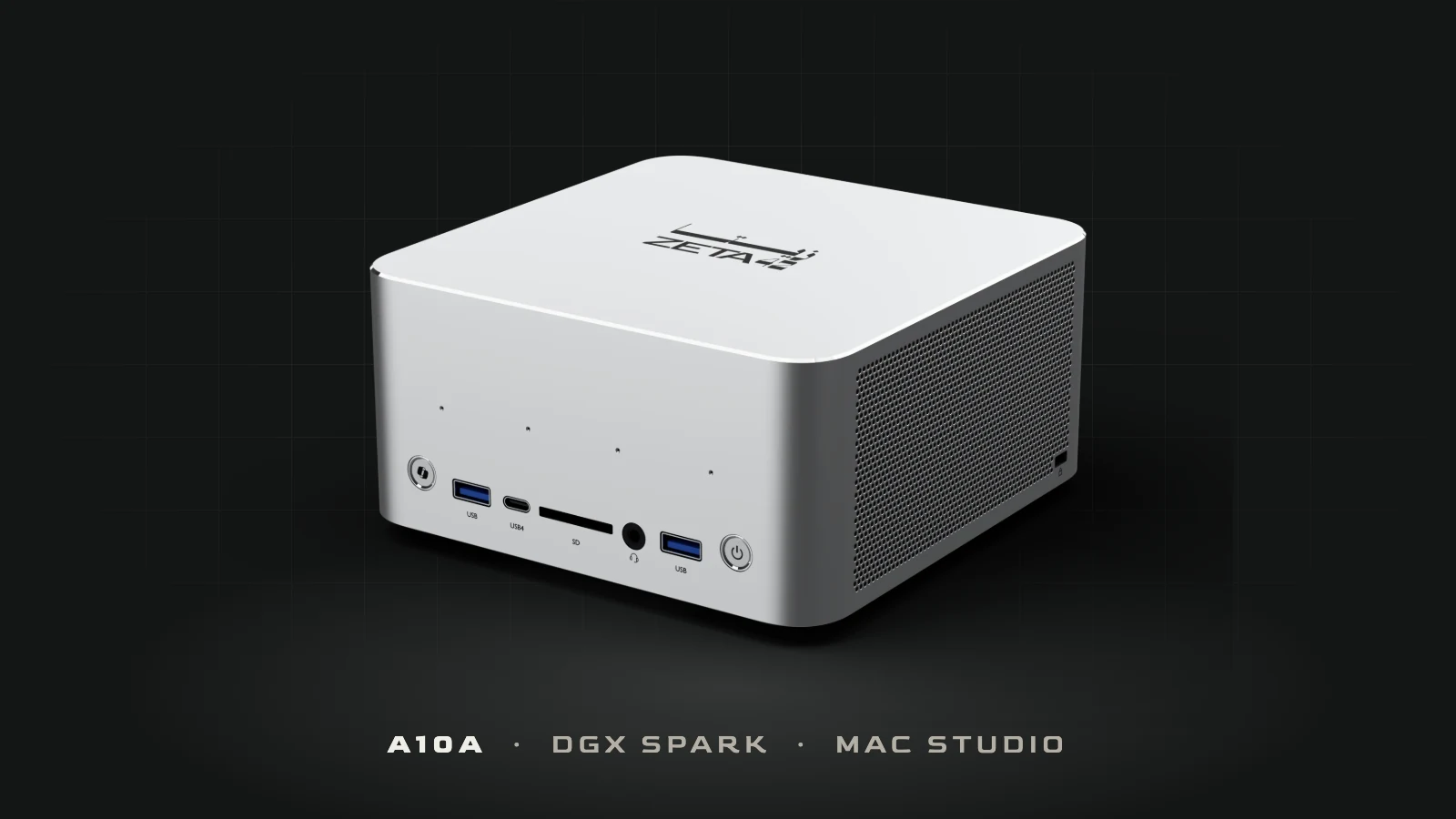
DGX Spark vs Mac Studio vs A10A: picking a local AI computer in the UAE
Zeta42 · 5 November 2026
Three small computers that keep a large AI model in memory. Which one fits depends on your software, your operating system and who supports it.
DGX Spark vs Mac Studio is the comparison most people start with when they want to run a large AI model on their own desk instead of in the cloud. Both machines keep 128 GB of memory next to the processor, enough to hold a model with tens of billions of parameters and answer questions without sending a word outside the building. Buyers in the UAE have a third option to put beside them: the A10A, the mini AI supercomputer that Zeta42 sells, sets up and supports here.
On paper the three look alike. Which one suits you depends mostly on three things: the software your team already uses, the operating system the machine has to run, and who you call when something goes wrong. This guide takes them in that order. Prices and specifications are as of 5 November 2026.
DGX Spark vs Mac Studio vs A10A at a glance
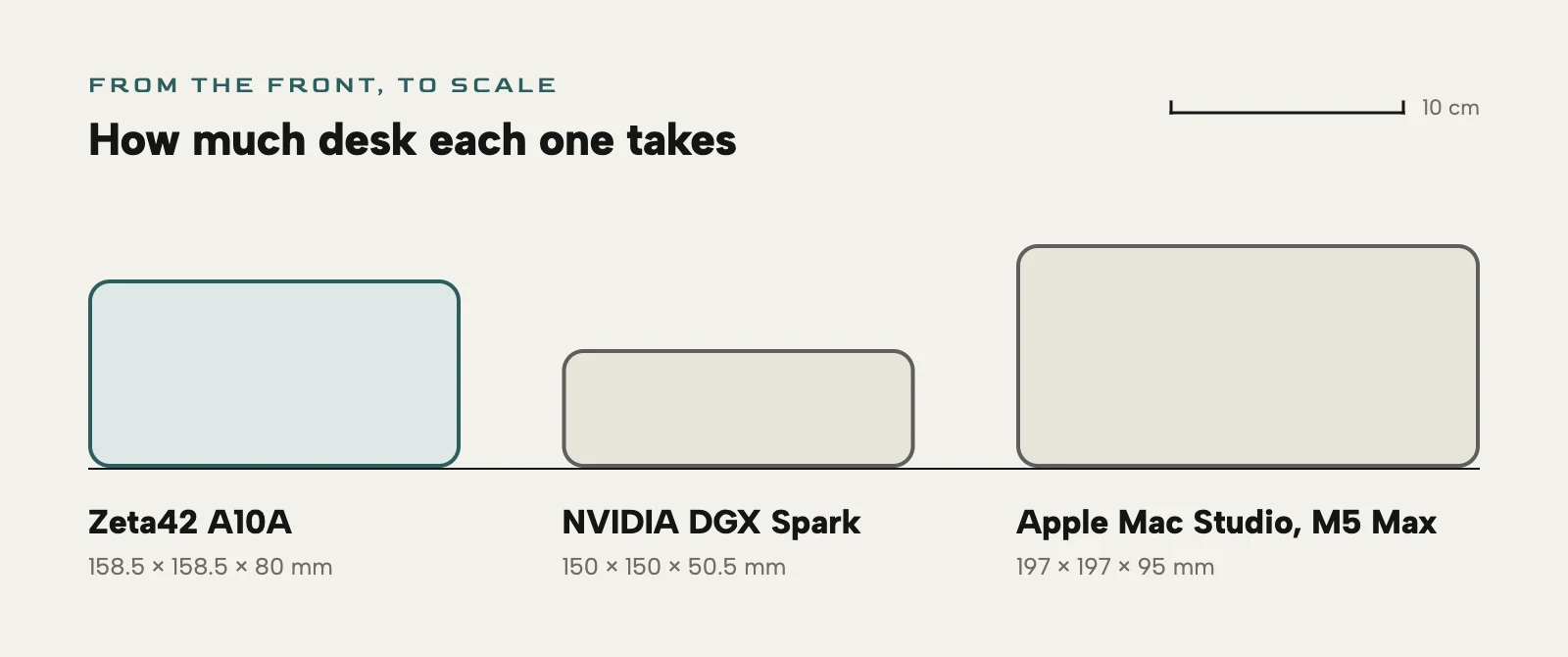
- NVIDIA DGX Spark: NVIDIA's GB10 chip, with 20 Arm cores and a Blackwell GPU; 128 GB of memory; DGX OS, NVIDIA's own Linux; 150 × 150 × 50.5 mm.
- Apple Mac Studio with M5 Max: an 18-core CPU and a 40-core GPU; 128 GB of memory; macOS; 197 × 197 × 95 mm.
- Zeta42 A10A: AMD Ryzen™ AI Max+ 395 or PRO 495, with 16 x86 cores and Radeon graphics with 40 compute units; 128 GB or 192 GB of memory; Windows 11, with Ubuntu and RHEL supported; 158.5 × 158.5 × 80 mm.
At 128 GB the three are level: that is the A10A A3 and B4 beside DGX Spark and the Mac Studio. The A10A also comes with 192 GB in a single machine, the B5, which neither of the others offers. In each of them the memory is shared between the processor and the graphics; on the A10A, up to 96 GB of the 128, or 160 GB of the 192, can be given to the graphics for the model.
One thing is left out of this comparison on purpose: AI performance figures. AMD, NVIDIA and Apple count them in different units and at different precisions, and Apple publishes none for the M5 Max, so the headline numbers cannot be set side by side fairly.
Choose DGX Spark if your work already runs on NVIDIA
DGX Spark comes with NVIDIA's AI software installed, and a large share of AI tools and tutorials assume CUDA, NVIDIA's platform for running work on its graphics chips. If your team already trains or serves models on NVIDIA hardware in a data centre or the cloud, the Spark gives it the same tools on a desk. It also has the fastest networking of the three: 10 GbE plus two 200 Gb/s ports, which link two Sparks into 256 GB of memory, or four into 512 GB.
The trade-offs: it runs DGX OS, NVIDIA's Linux for Arm, so Windows software is out; it drives one display; it has no speakers or microphones; and NVIDIA has no store in the UAE. On 5 November 2026 it was AED 29,889 on Amazon.ae, or US$6,950 before tax at NVIDIA in the US, with the warranty coming from the seller.
Choose the Mac Studio if your team works on Macs
The Mac Studio with M5 Max makes sense where people already work on Macs, with the apps, files and support that go with them. Its 128 GB is one pool shared by the processor and the graphics. It has the most display outputs of the three, up to five, along with four Thunderbolt 5 ports, and two Mac Studios can be linked over Thunderbolt 5 at 120 Gb/s for 256 GB in all.
It runs macOS only, takes no external graphics card, and has one speaker and no microphone. On 5 November 2026 Apple's UAE store listed it at AED 25,799 with 128 GB of memory and a 2 TB drive, with Apple's one-year warranty.
Choose the A10A if you need Windows, 192 GB or room to grow
The A10A is the one of the three that runs Windows 11, and it supports Ubuntu and RHEL too, on an x86 processor. In offices, labs and classrooms that often settles it: the software people use every day, the management tools IT already runs and the security settings a company requires all carry over. The PRO 495 versions add AMD PRO manageability and security.
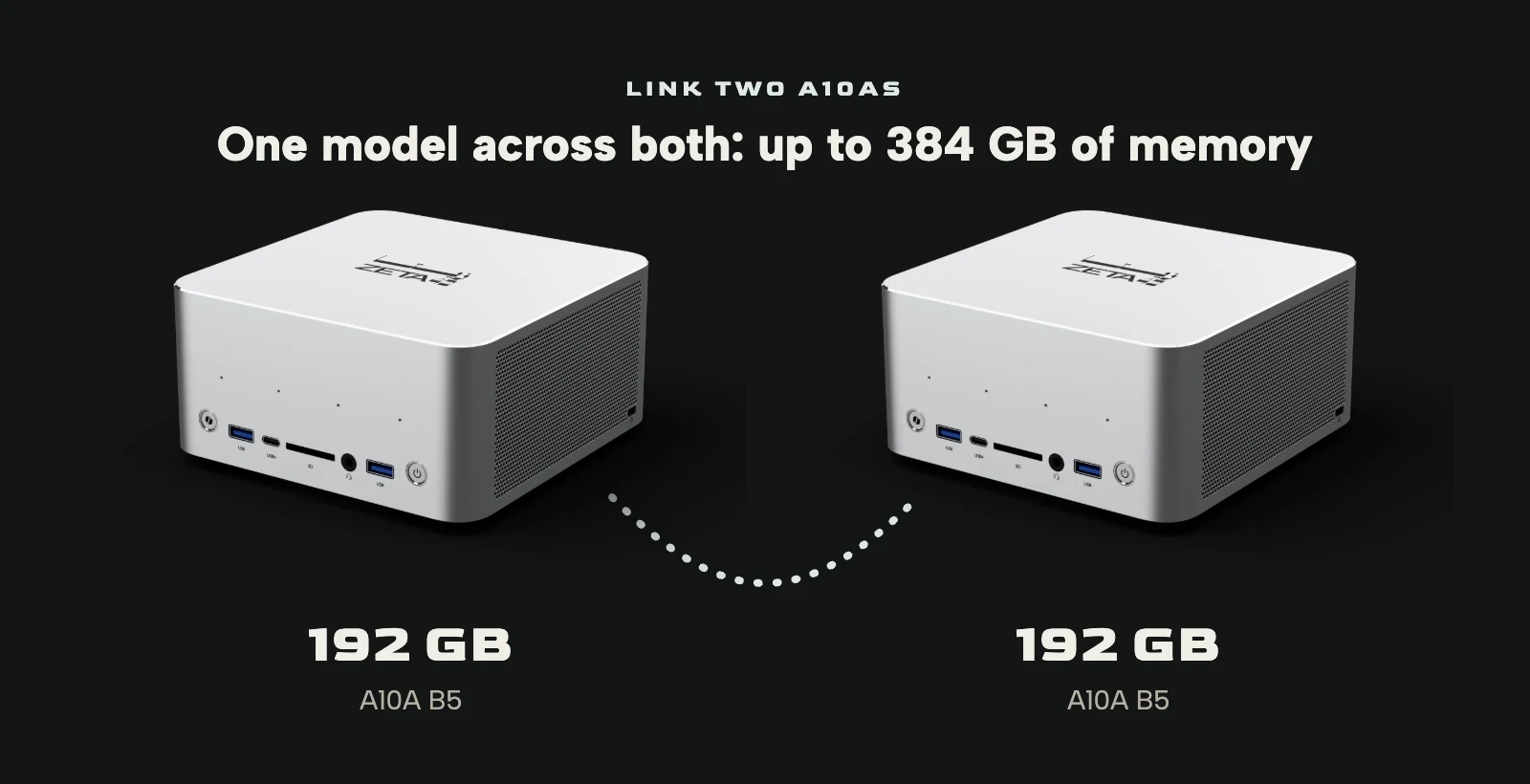
It is also the only one of the three with 192 GB in a single machine, and two A10As can be linked by cable to run one model across both, for up to 384 GB of memory in all.
Training is a different job from running a model, and it needs raw compute. The A10A has an OCuLink port on the back, a direct PCIe 4.0 x4 link, so you can add a desktop graphics card in an external dock and train or fine-tune on it, with CUDA if the card is NVIDIA's, while the A10A's own memory keeps large models loaded. Neither of the others has an OCuLink port. The dock and the card are sold separately.
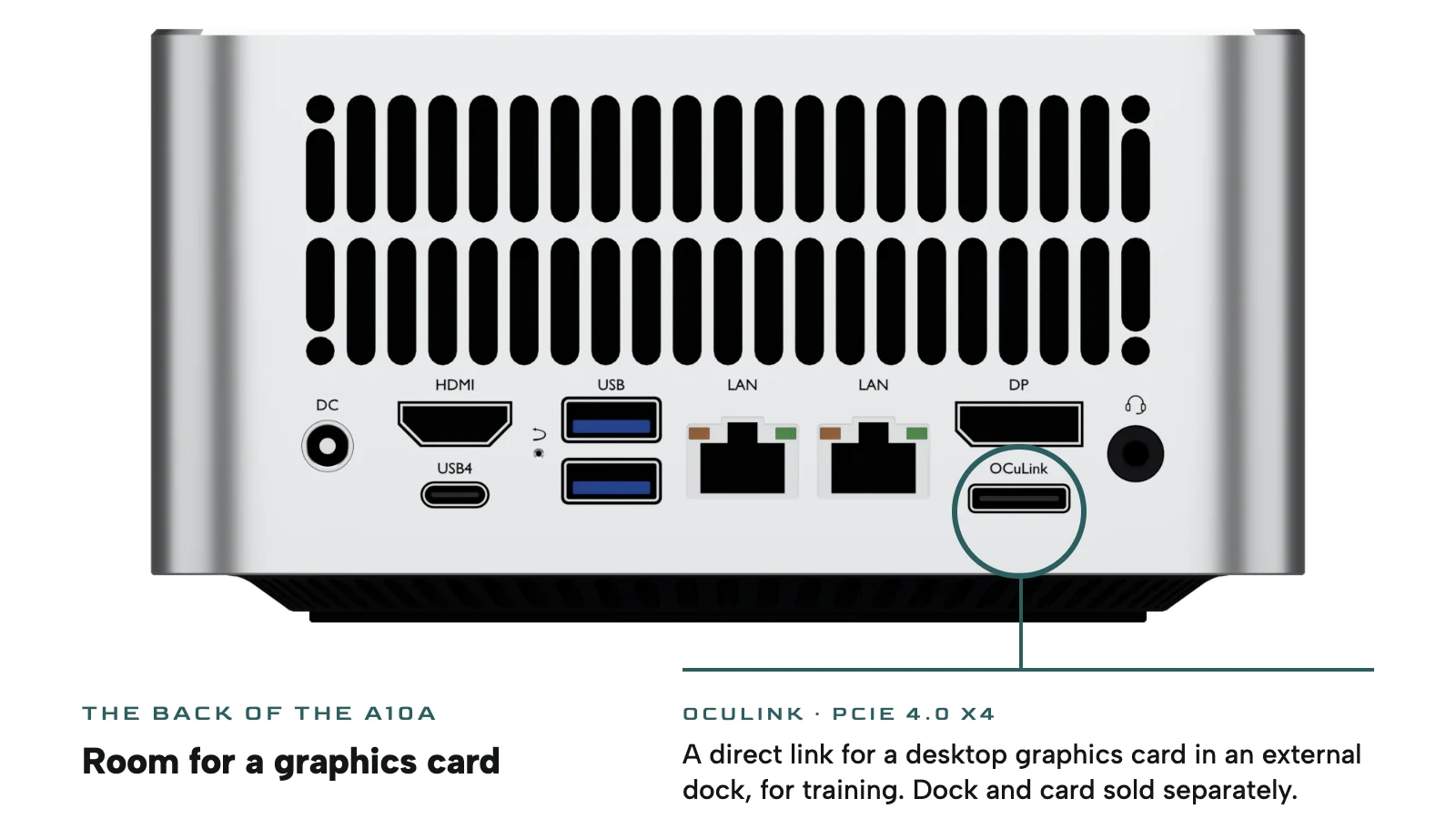
For everyday work it has two USB4 ports at 40 Gbps and four USB-A ports, an SD card reader, up to four displays over HDMI 2.1, DisplayPort 2.1 and USB4, stereo speakers and four microphones for calls, two 2.5 GbE network ports, Wi-Fi 7 and Bluetooth 5.4, and two NVMe slots for up to 8 TB of storage.
The A10A A3 is AED 15,299 and the B4, with the PRO 495, is AED 19,399, both with 128 GB; the 192 GB B5 is AED 31,499. Those prices include 5% VAT and free delivery in the UAE, with a one-year warranty and a year of technical support from Zeta42. Delivery takes about 6 weeks from the order.
What a local supplier adds
A machine like this is only useful once a model is running on it and the people who need it know how to use it. On request, Zeta42 installs the A10A, sets up local LLM runtimes and ROCm, AMD's software for running AI on its graphics, and trains the staff who will use it. It is the same work we do when we build AI infrastructure for organisations that want their models on their own premises.
Which one should you buy?
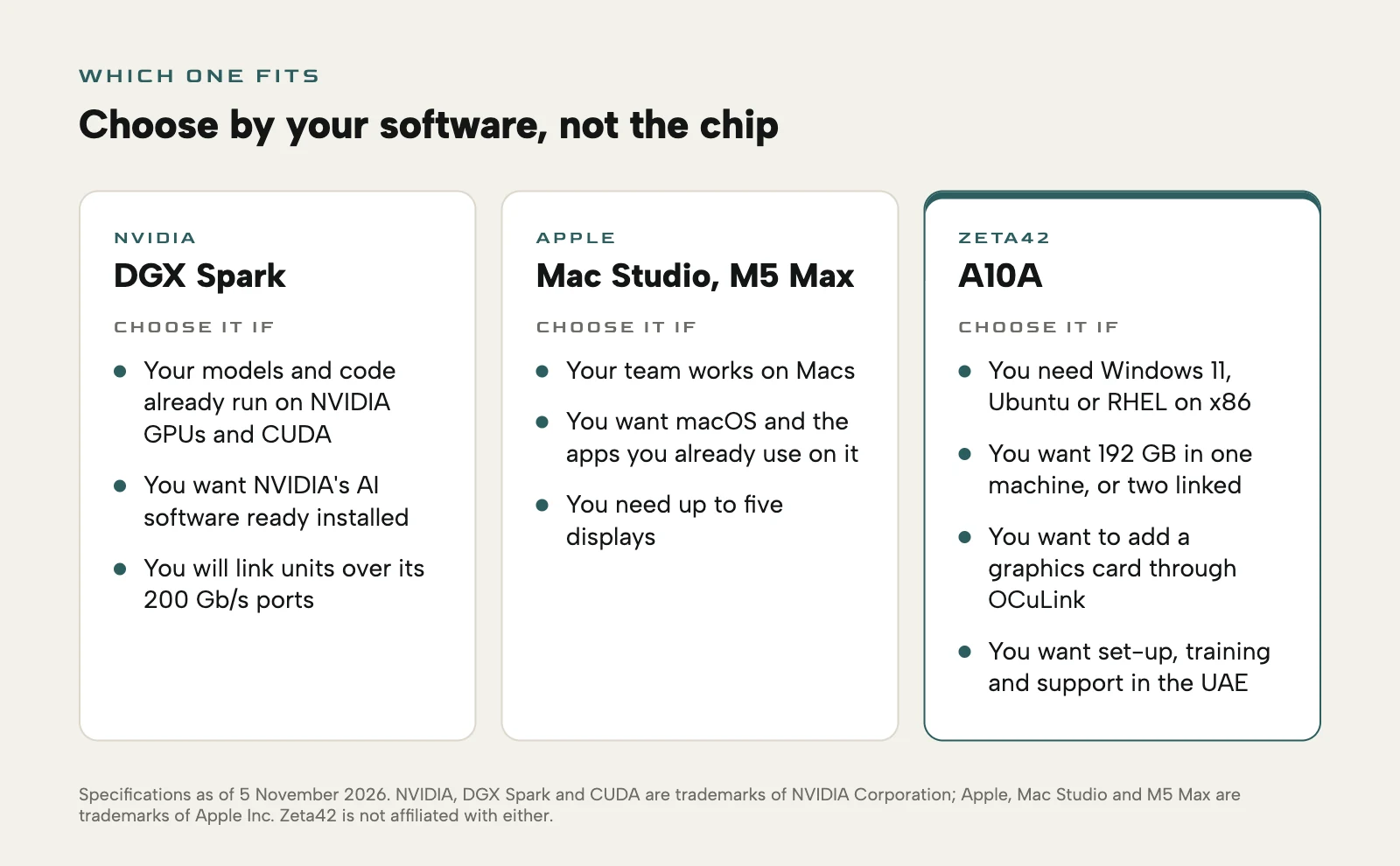
- Your models and code already run on NVIDIA graphics, and you want the same stack on a desk: DGX Spark.
- Your team works on Macs, and the machine has to fit in with them: Mac Studio with M5 Max.
- You need Windows or Linux on x86, 192 GB in one machine, a graphics card through OCuLink, or set-up and support in the UAE: the A10A.
The full specifications, row by row, are in the A10A comparison.
NVIDIA, DGX Spark and CUDA are trademarks of NVIDIA Corporation; Apple, Mac Studio and M5 Max are trademarks of Apple Inc. Zeta42 is not affiliated with either. DGX Spark figures are NVIDIA's published specifications and Mac Studio figures are Apple's, read on 5 November 2026. Prices change, so check them before you buy.
Common questions
- Is DGX Spark or Mac Studio better for running AI models locally?
- Neither is better across the board. DGX Spark suits teams already working with NVIDIA's software and CUDA, and the Mac Studio suits teams on macOS. Both have 128 GB of memory, like the A10A A3 and B4; the A10A also runs Windows and comes with 192 GB.
- Does the A10A run Windows?
- Yes. The A10A runs Windows 11 64-bit, and Ubuntu and RHEL are supported; the pre-installed system is confirmed when you order. DGX Spark comes with NVIDIA's DGX OS and the Mac Studio with macOS.
- Can I add a graphics card to the A10A?
- Yes, through the OCuLink port on the back, a direct PCIe 4.0 x4 link. The card sits in an external dock, and both are sold separately. It suits training and fine-tuning, while the A10A's own memory keeps large models loaded.
Source: zeta42.com