AI workflows
The repetitive work stops being someone's job.
Approvals, reporting, data sync and integrations. End-to-end automation across systems and people.
What we mean
A job that runs the same way every time, done by a person.
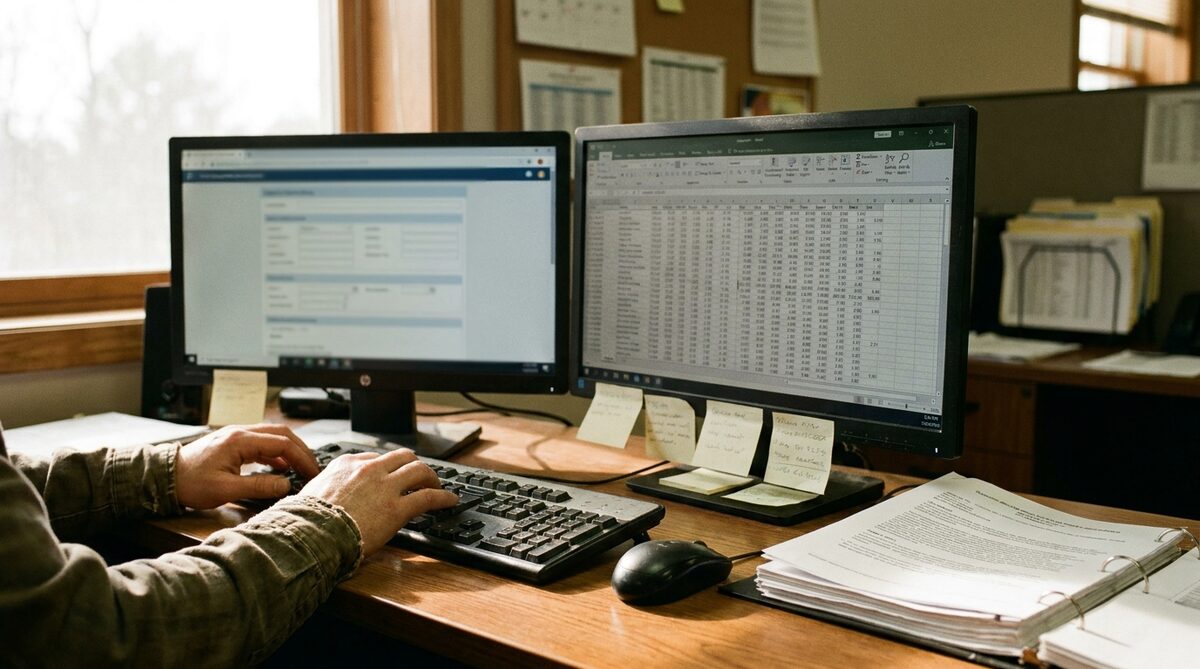
Every business has work that a person does because nobody wrote it down well enough for a machine to do it. Copying figures from one system into another. Chasing an approval. Building the Monday report from four exports. Checking a document against a policy.
A workflow does that job end to end, with AI where judgement is needed and plain code where it is not. The person who used to do it now reviews the exceptions.
Four kinds
Where it usually starts.
Approvals
Requests routed to the right person with the context already attached: budget line, vendor history, policy. The approver sees what needs a decision, not the whole inbox.
Reporting
The weekly numbers assembled and delivered without anyone refreshing a file. Live where the source is live.
Data sync
Two systems that should agree, kept in agreement. Orders to accounts, HR to payroll, site to office.
Integrations
The tools you already pay for, made to talk to each other and to the bespoke system in the middle.
Running today
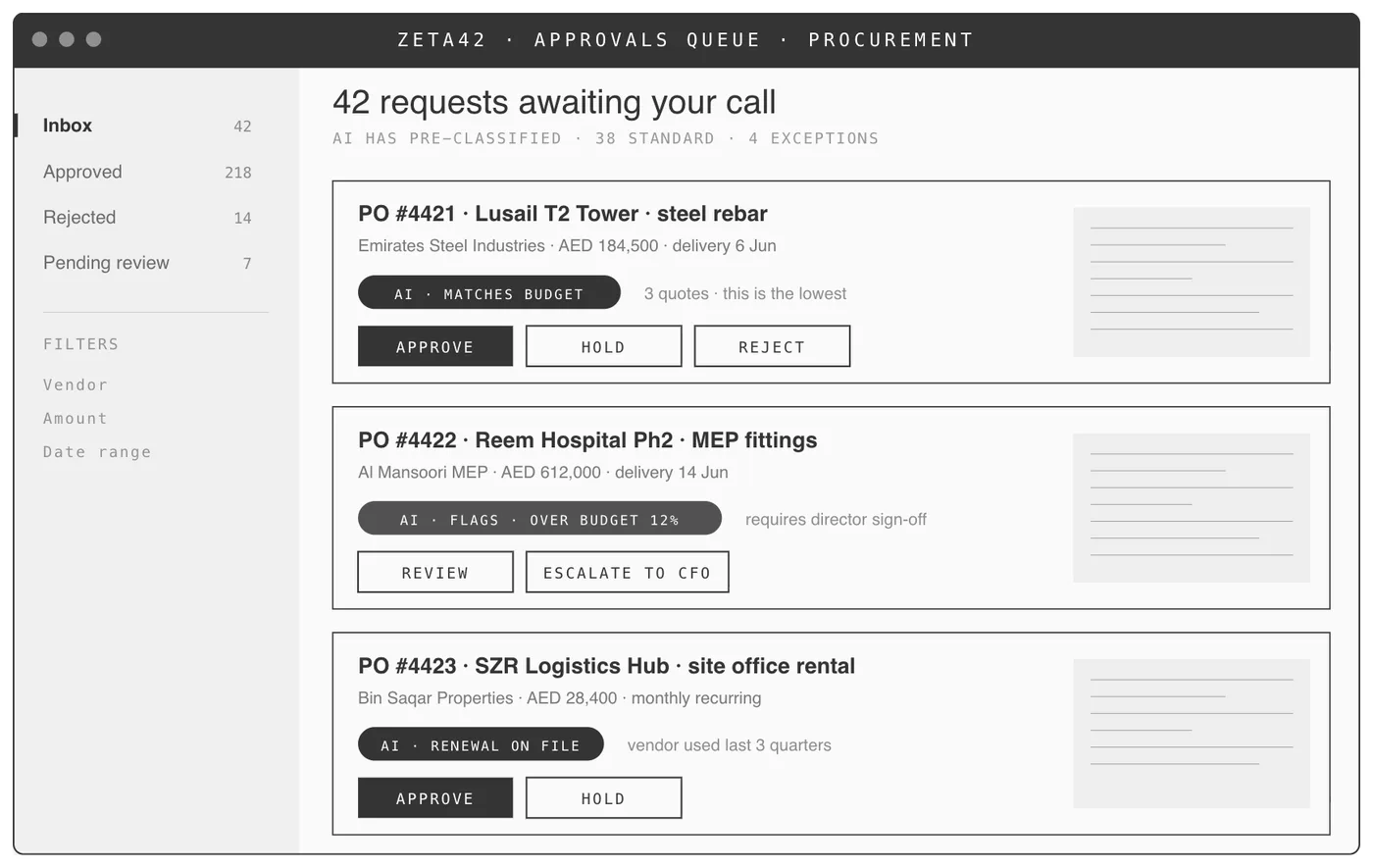
An approvals queue that knows the policy.
Procurement
AI pre-classifies every purchase order against budget, vendor history and policy, so the director only sees what needs a call. Standard requests are matched and queued; exceptions are flagged with the reason.
Judgement
AI for the judgement, code for the rest.
An approval that matches budget, a known vendor and the lowest of three quotes does not need a language model. It needs a rule. A variation order with a two-line justification and an unfamiliar supplier does. We put the model where the judgement is and nowhere else, which keeps the workflow fast, cheap to run and easy to explain to an auditor.
Questions
What buyers ask.
Which systems can you connect?+
Anything with an interface or an export. Accounting packages, HR systems, site tools, spreadsheets, email and messaging. Where a tool has no interface, we build around it.
What if the workflow changes?+
It will. Workflows are built on the shared map of the operation, so a change to the process is a change to the map first and the software second. We stay on to make those changes.
Does automation remove jobs?+
It removes tasks. The people who did them move to the exceptions, the customers and the work that needed a person all along.
Where does the data run?+
Where your rules say it may. On a cloud you already use, or on hardware in your building.
Tell us the task somebody does every Monday morning. That is the first workflow.